Windows Server 2025가 출시되었습니다.
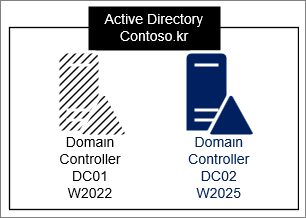
새 OS가 출시된 김에 AD Domain Controller DC01, DC02를 Windows Server 2025로 Upgrade를 진행해 보겠습니다.
실제 환경에서는 많은 것을 고려해야겠지만, 테스트 환경이기 때문에 단순히 업그레이드 하는 과정만 다루었습니다.
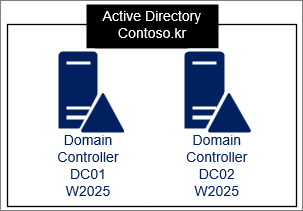
테스트 환경
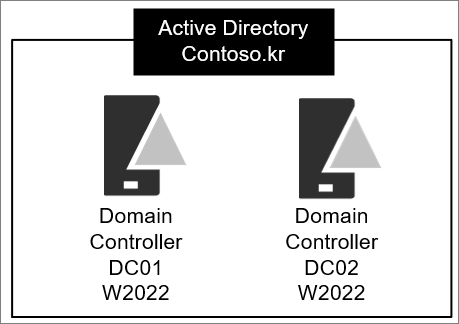
순서는 다음과 같이 진행하였습니다.
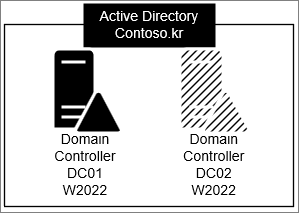
1. DC02: Windows Server 2022 Demote
2. DC02: Windows Server 2025 Promote
3. Master를 DC02로 변경
4. DC01: Windows Server 2022 Demote
5. DC01: Windows Server 2025 Promote
6. Master를 DC01로 변경
Step 1. DC02제거
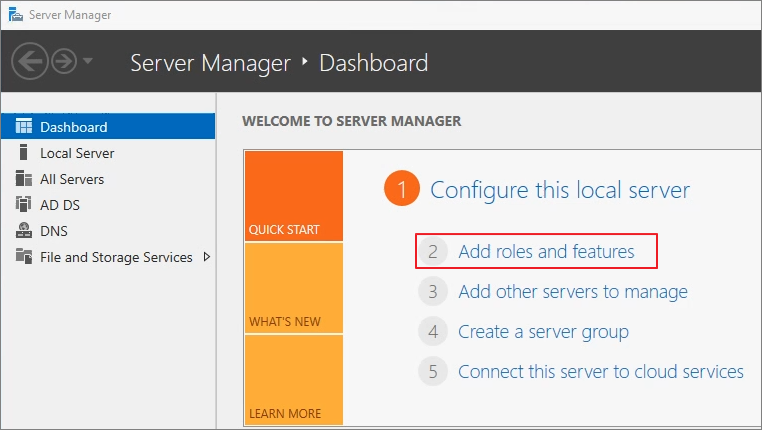
Add roles and features

Add roles and features
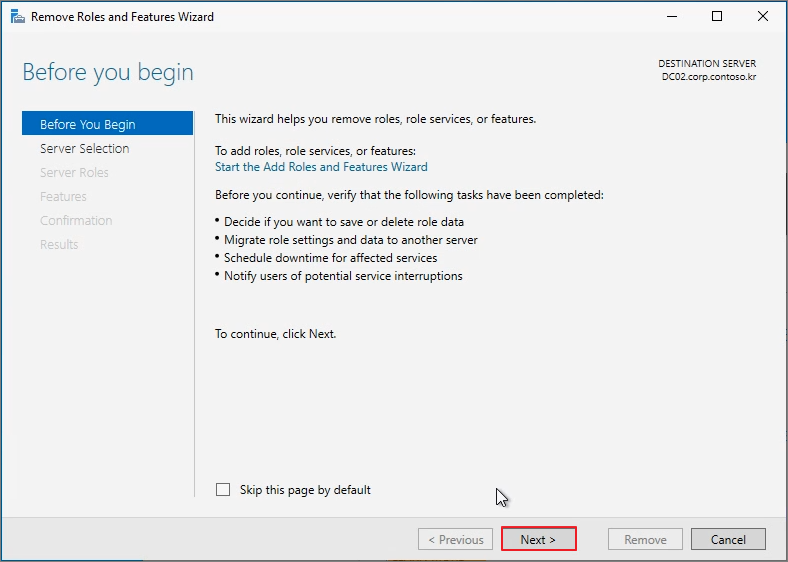
Start the Remove Roles and Features Wizard

Next
Next

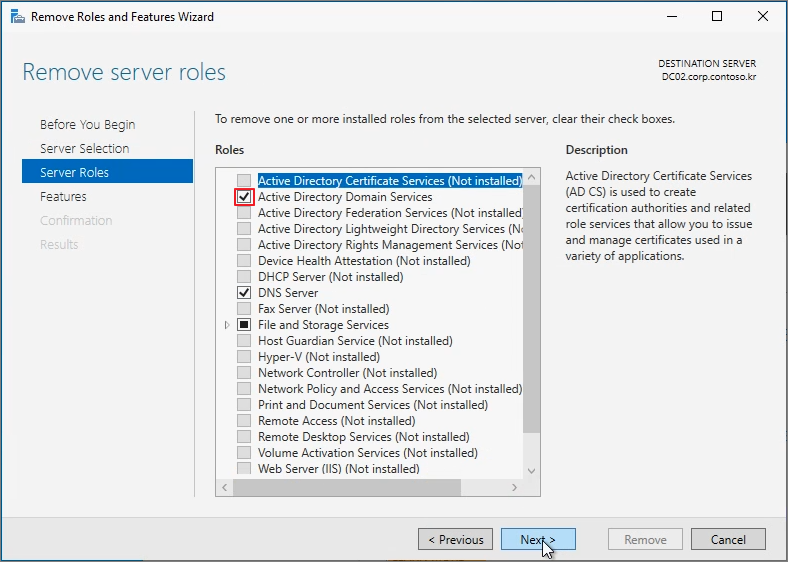
Active Directory Domain Services
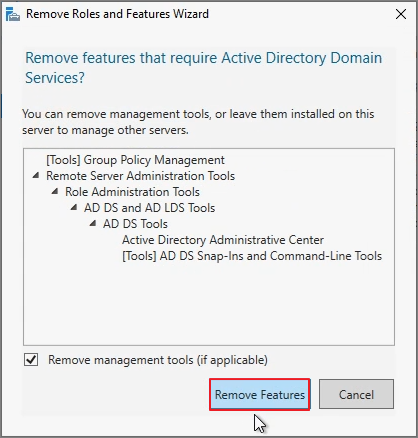
Remove Features
Demote this domain controller

Next

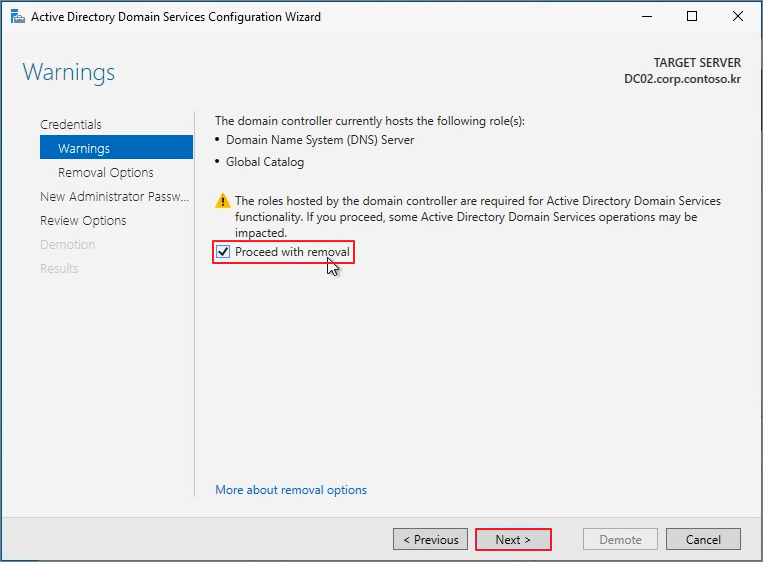
Proceed with removal -> Next
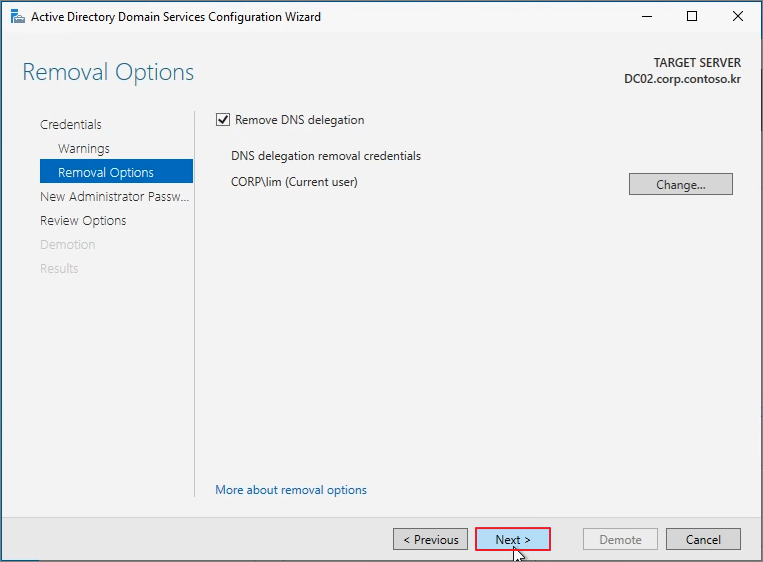
Next
Password 입력 -> Next
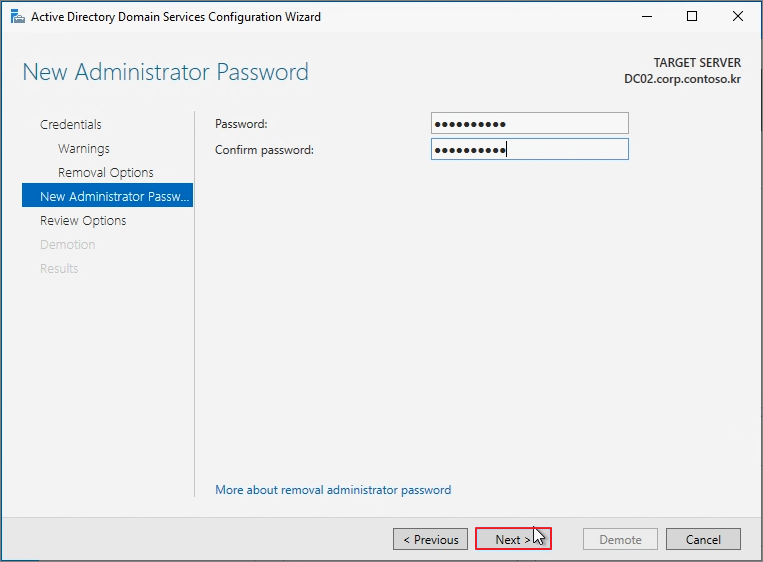
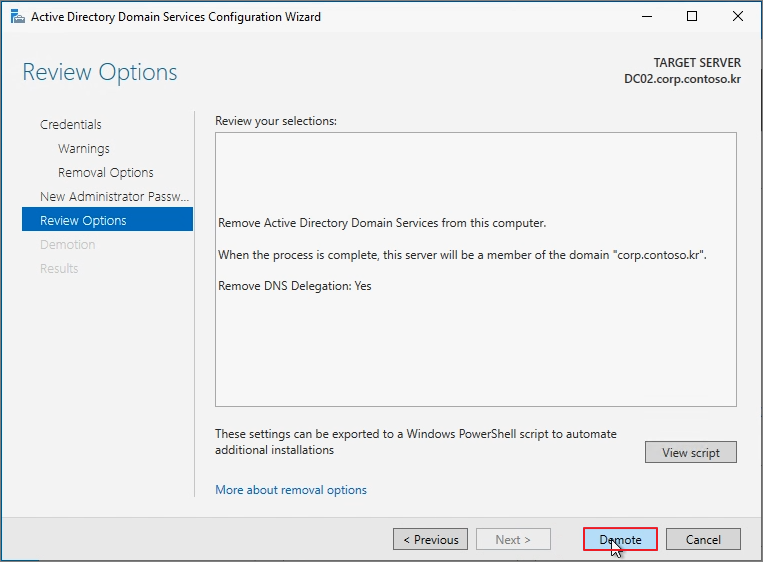
Demote
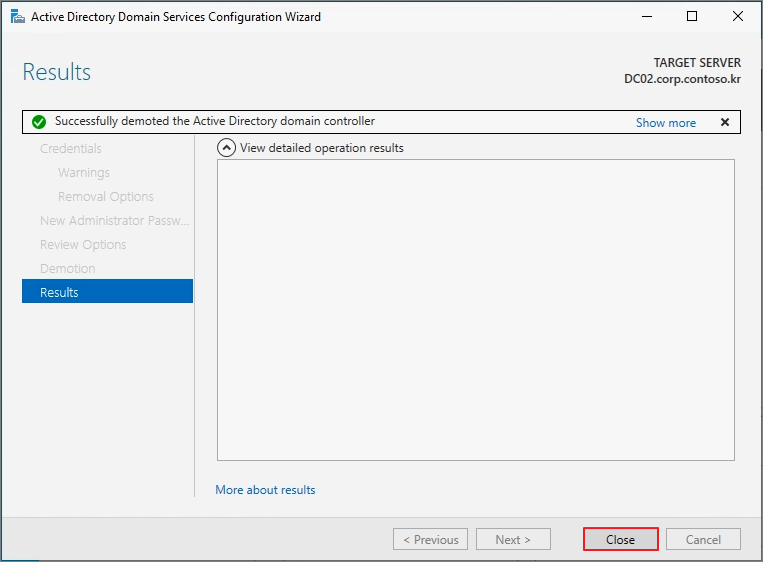
Close
Close
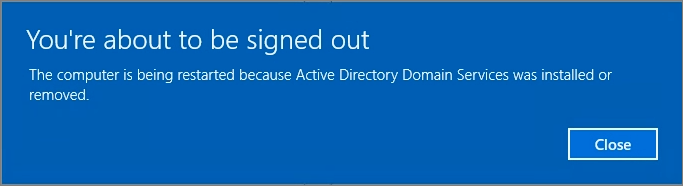
DC가 제거된 것을 확인
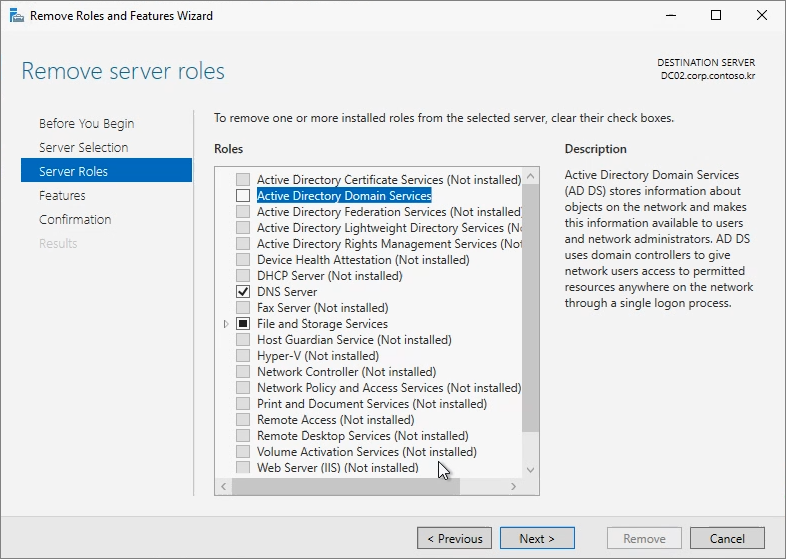
재부팅 후 다시 역할 제거 진행
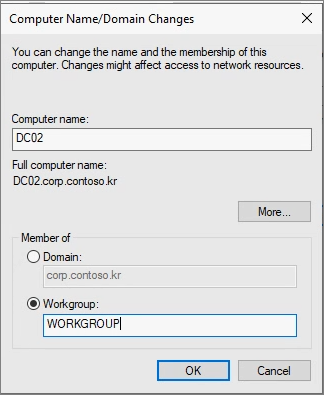
해당 머신을 WORKGROUP으로 전환
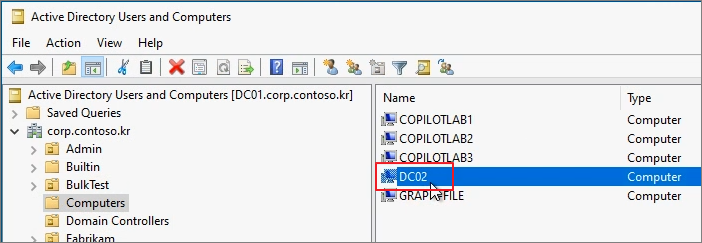
ADUC에서 DC02 제거

Yes

Step 2. Windows Server 2025에 DC 설치
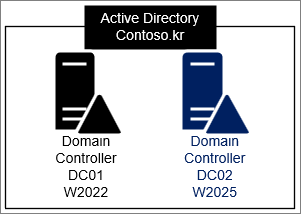
AD join 진행
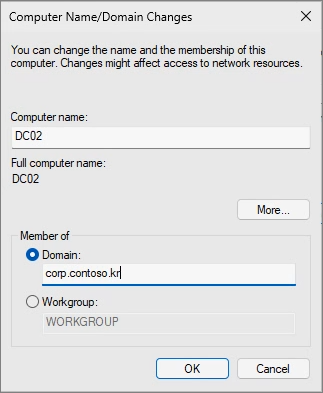
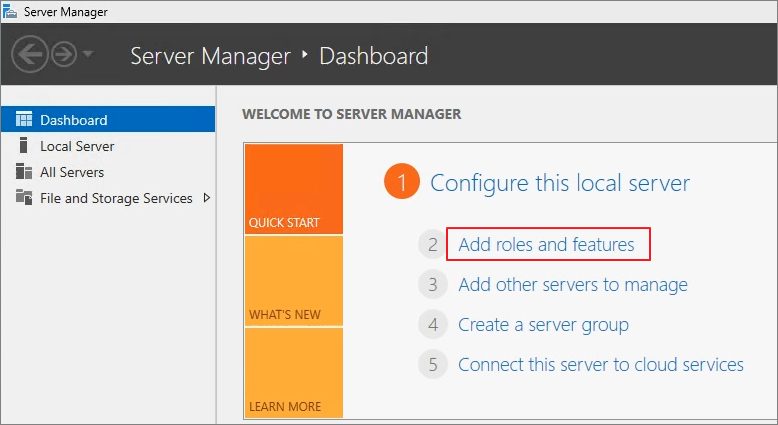
Server Manager -> Add roles and features
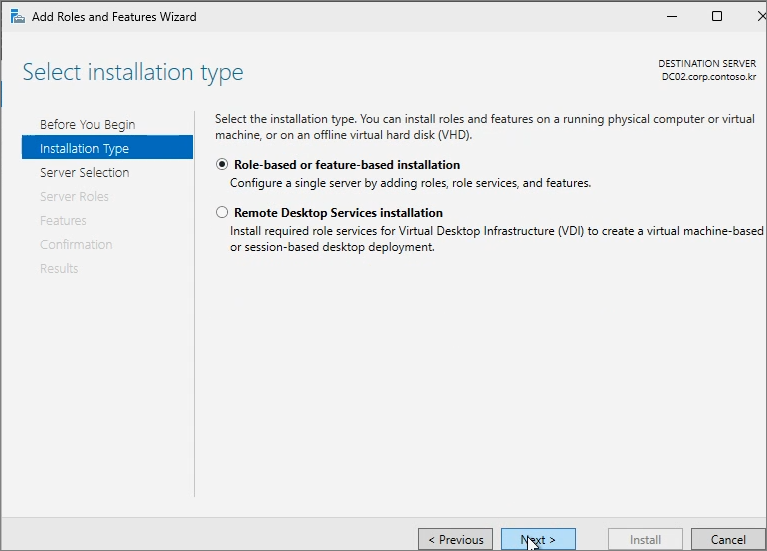
Next

Next
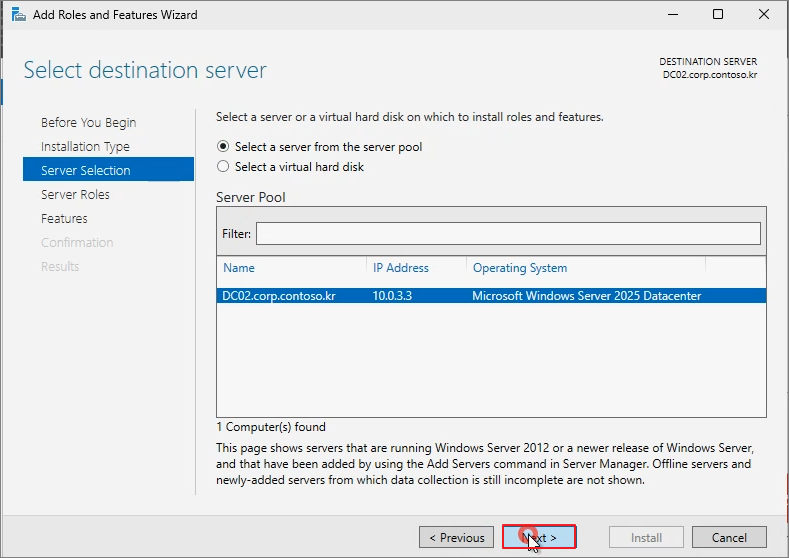
Next
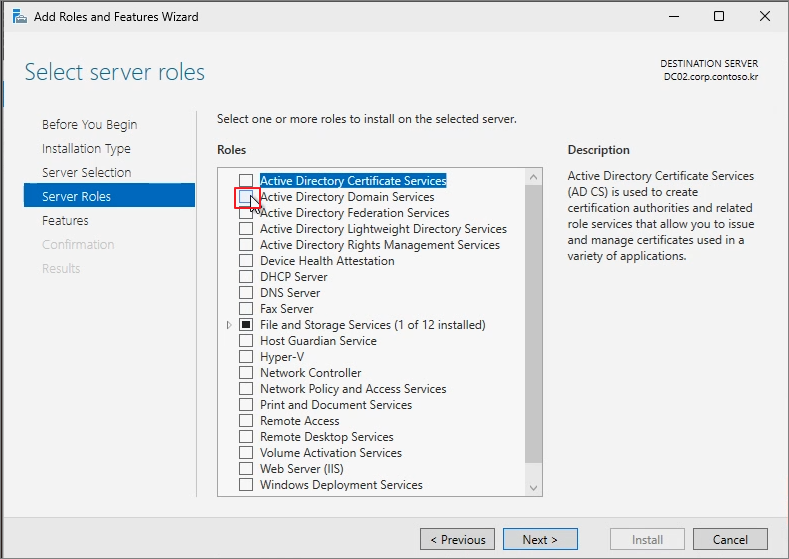
Active Directory Domain Services
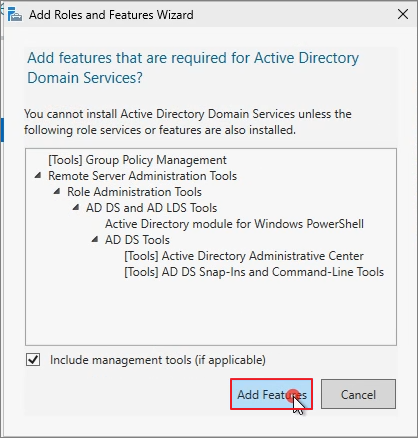
Add Features
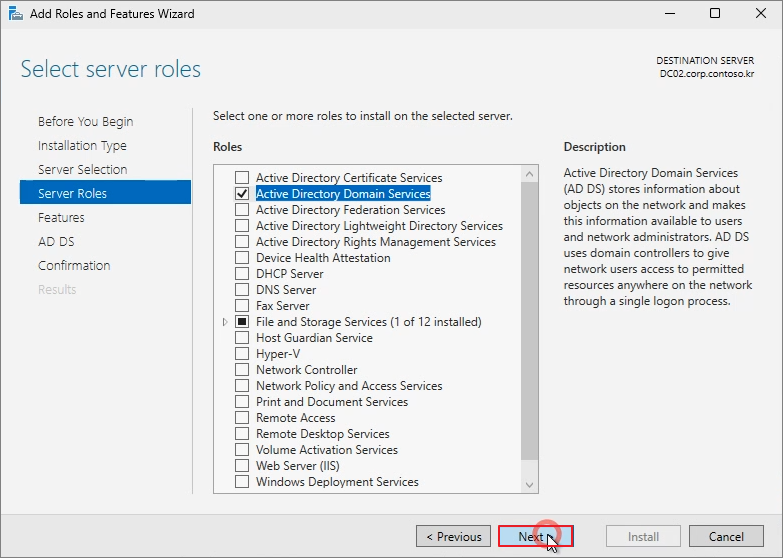
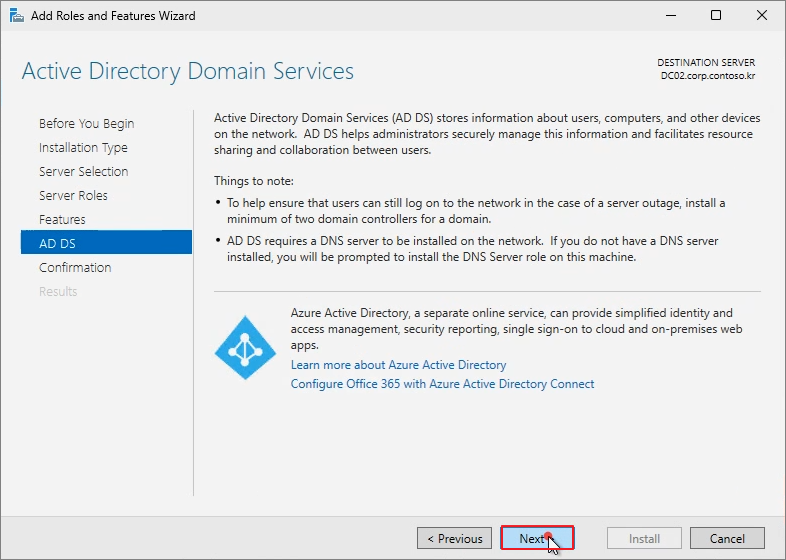
Next
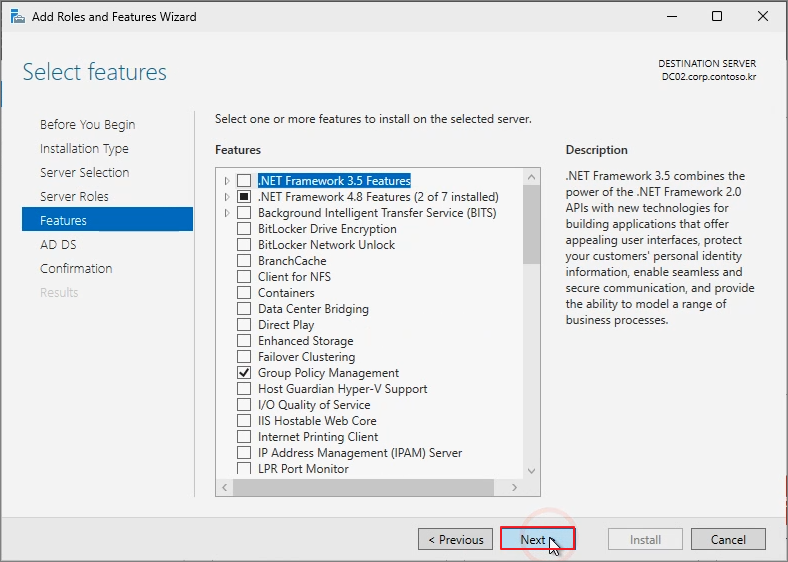
Next
Next
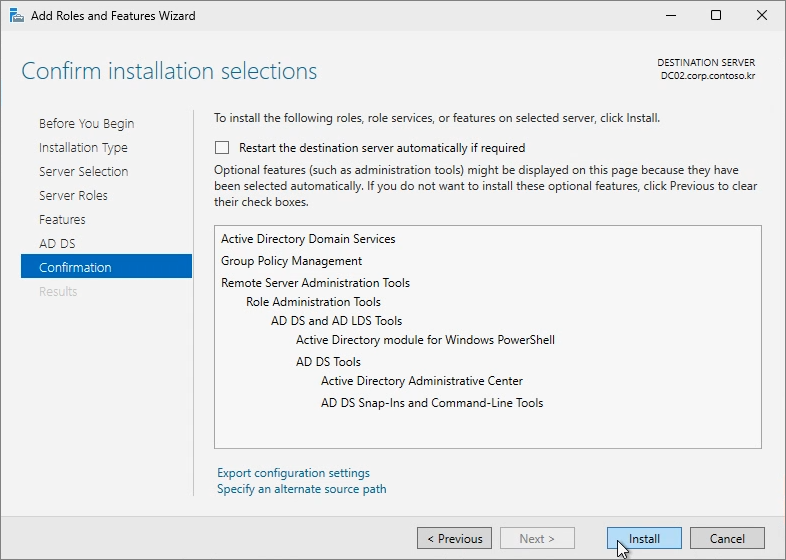
Install
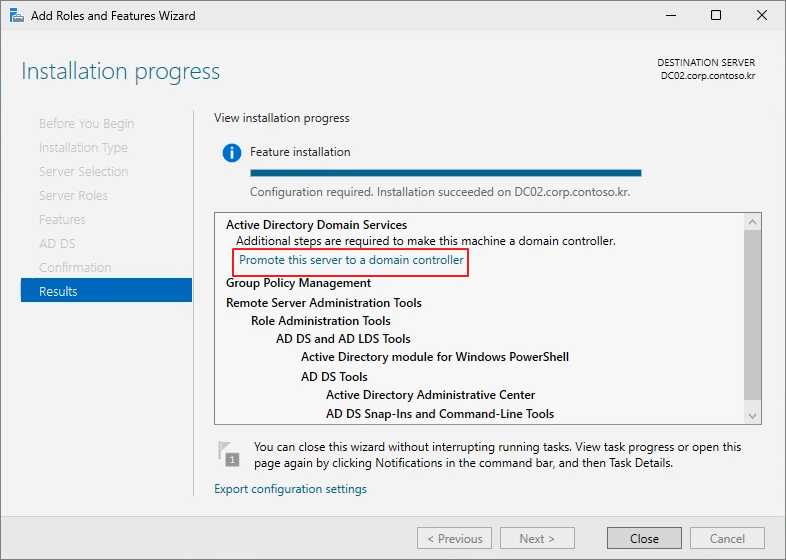
Promote this server to a domain controller
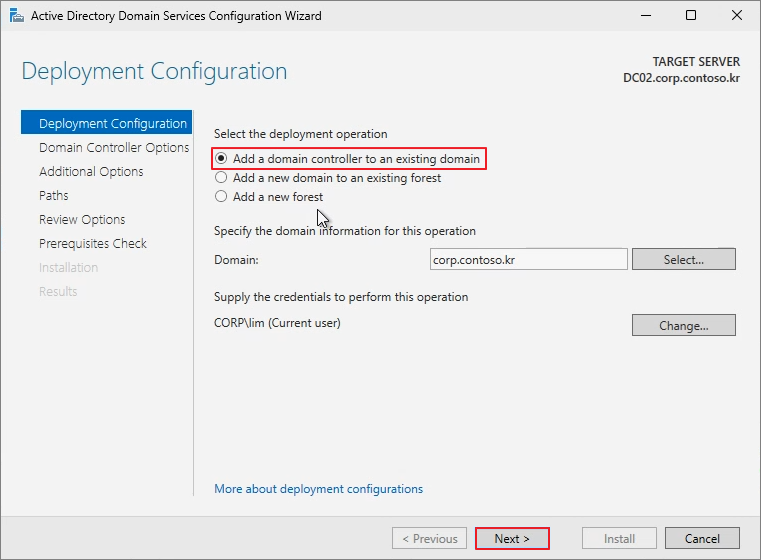
Add a domain controller to an existing domain -> Next
Password 입력 -> Next
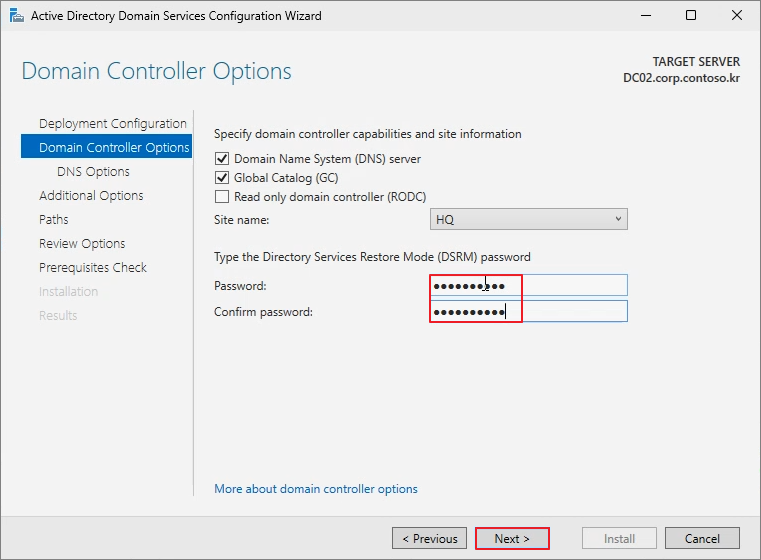
Next
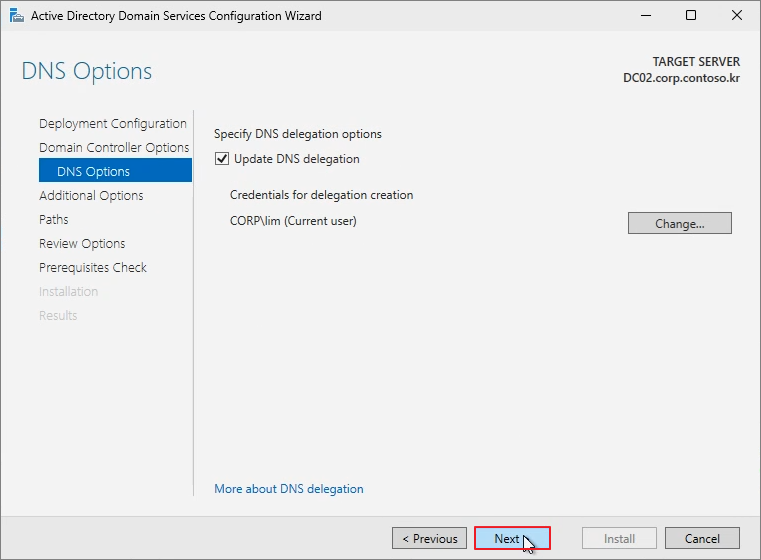
Next
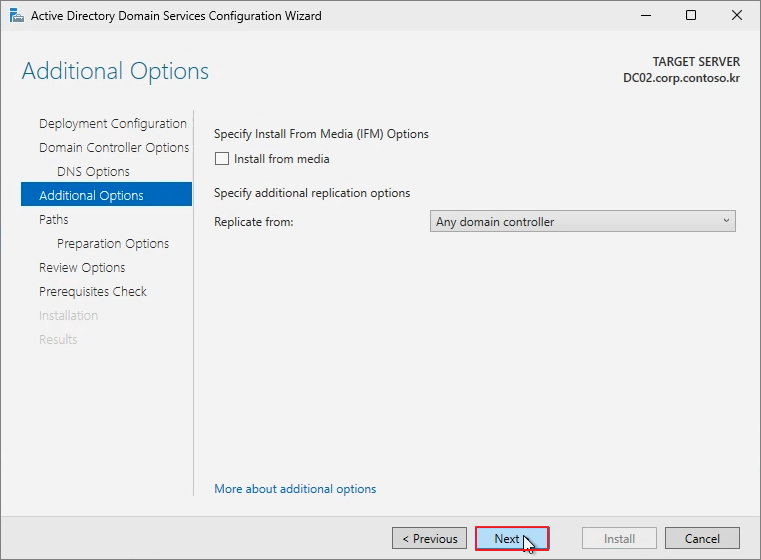
Next

Next

Next
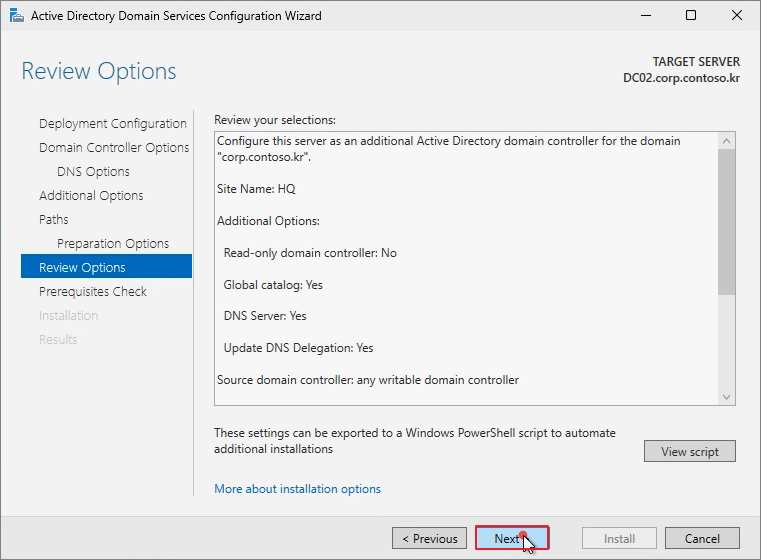
Install
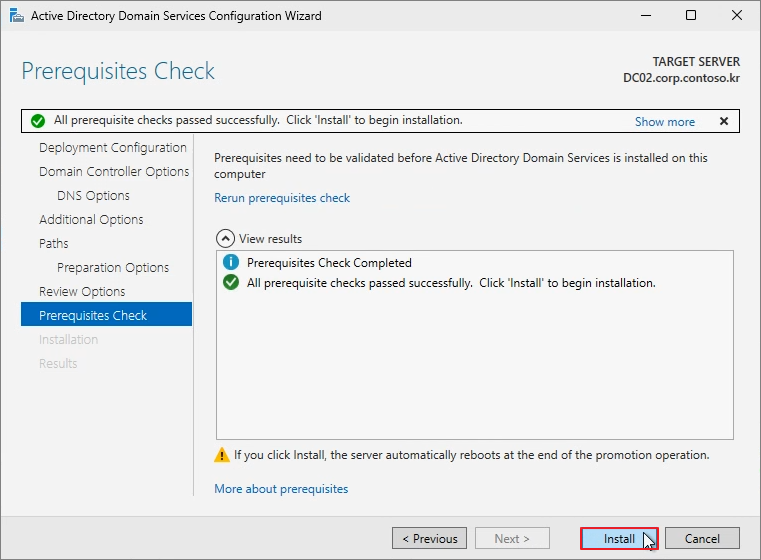
완료되면 재부팅이 진행됩니다.

아래의 명령어를 입력하여 DC Master 역할을 DC02로 변경합니다.
Move-ADDirectoryServerOperationMasterRole -Identity DC02 -OperationMasterRole SchemaMaster, DomainNamingMaster, PDCEmulator, RIDMaster, InfrastructureMaster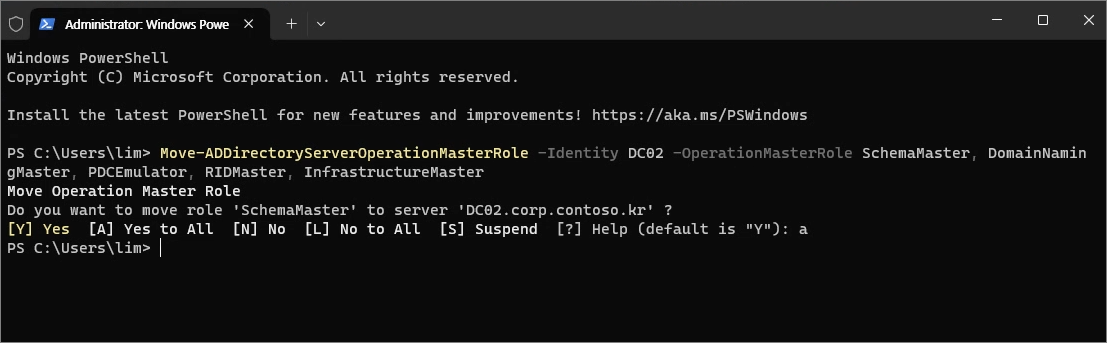
Netdom query fsmo
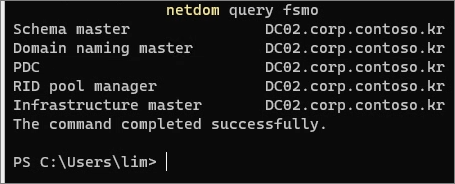
Step 3. DC01 제거
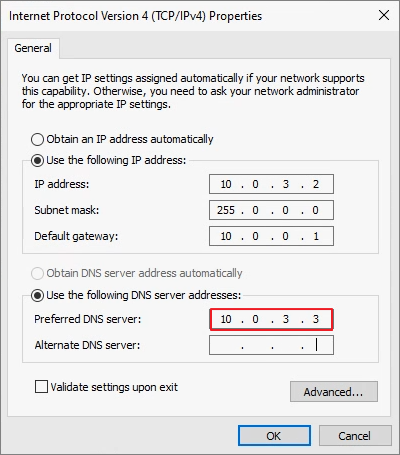
DNS Address를 DC02로 수정합니다.
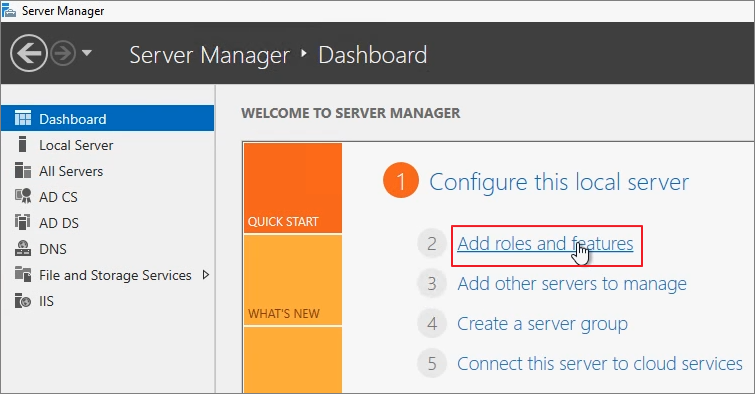
Server Manager -> Add roles and features
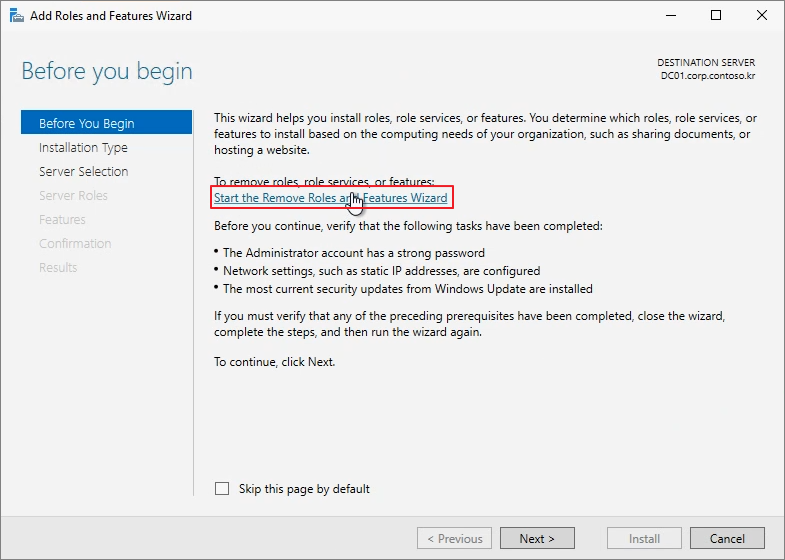
Start the Remove Roles and Features Wizard
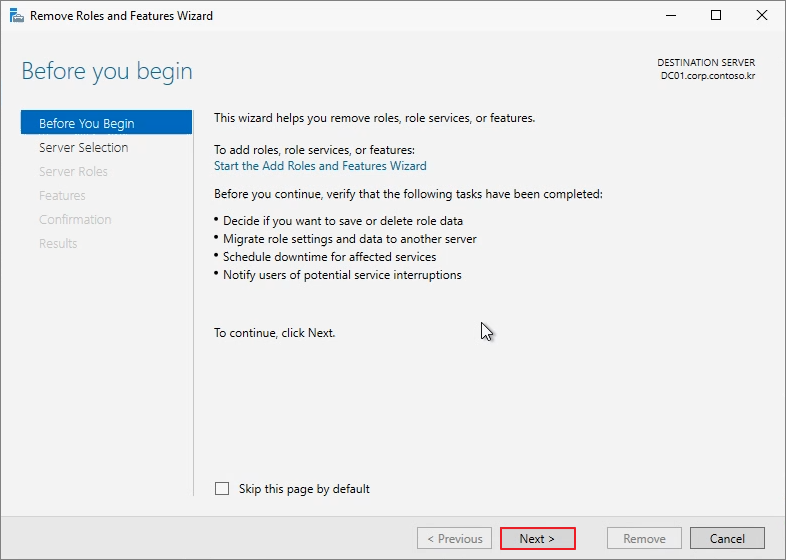
Next
Active Directory Domain Services

Remove Features
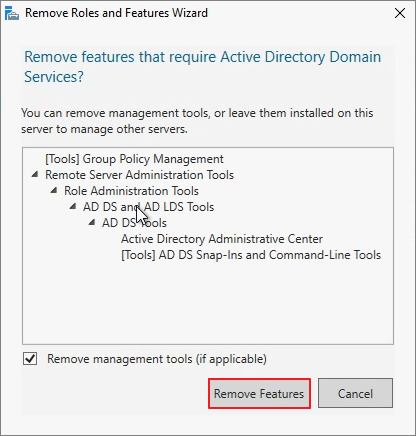
Demote this domain controller

Next
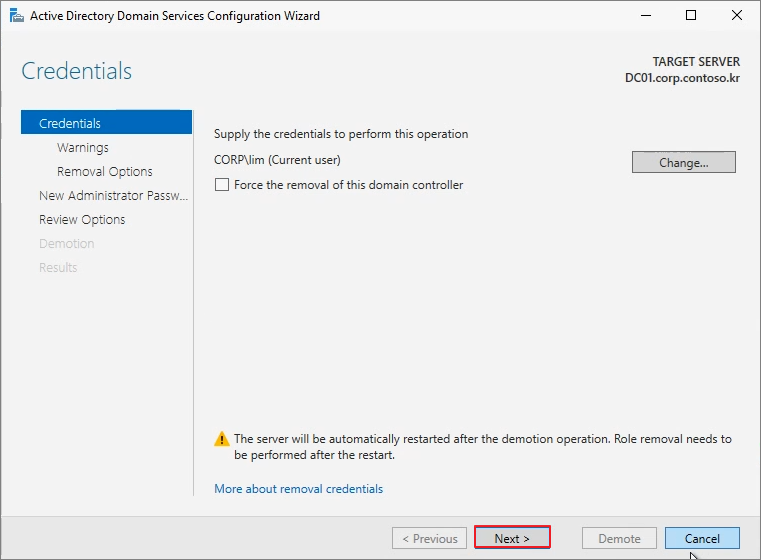
Proceed with removal -> Next

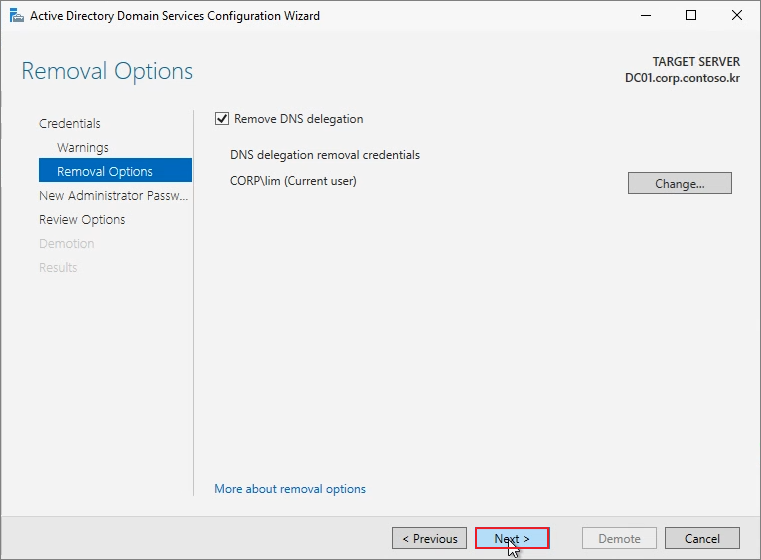
Next
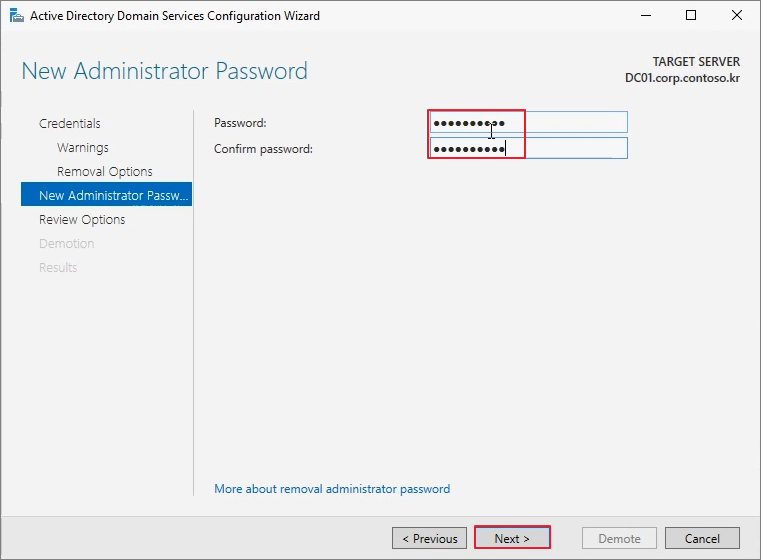
Password 입력 -> Next
Demote

Close

재부팅후 다시 역할 제거 메뉴로 이동하여 ADDS 제거 과정 진행
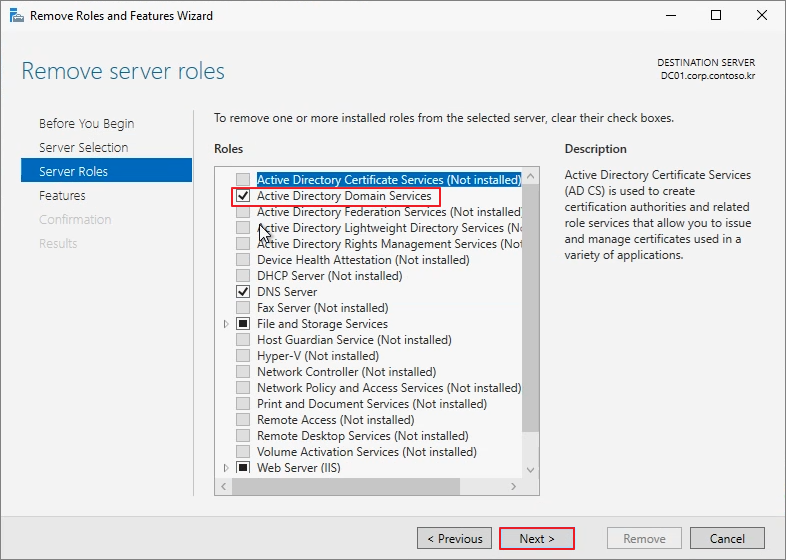
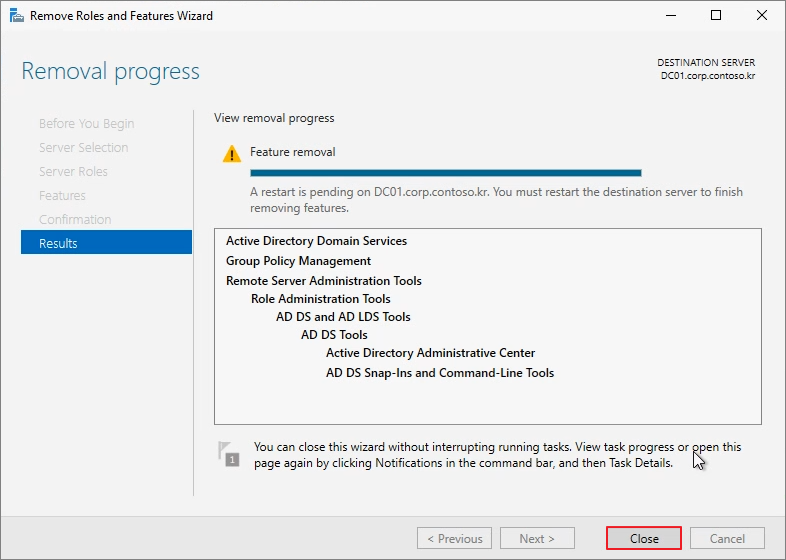
Close -> 재부팅을 진행합니다.
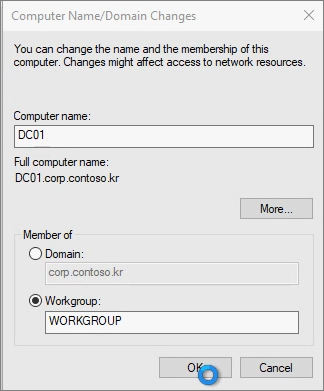
Workgroup으로 변경 진행
ADUC에서 DC01 제거

Step 4. DC01 설치
새 VM에서 DC01 IP 설정 -> DNS는 DC02로 설정
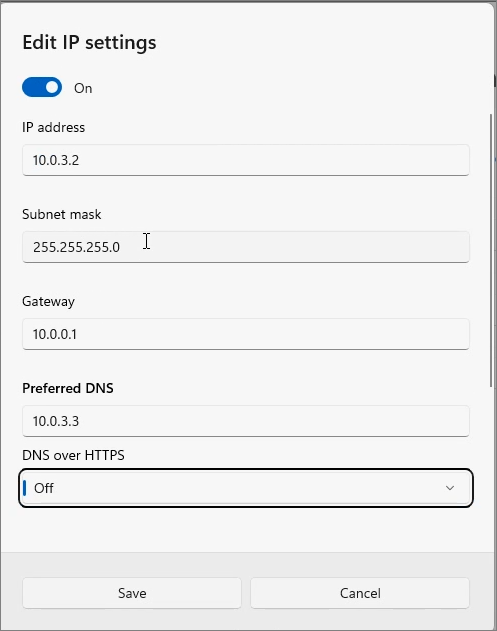
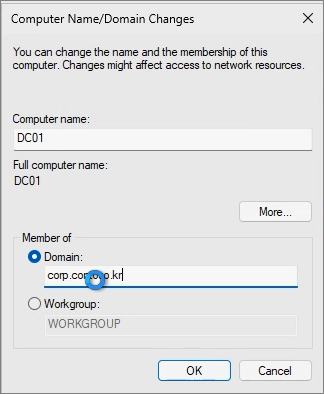
Domain Join
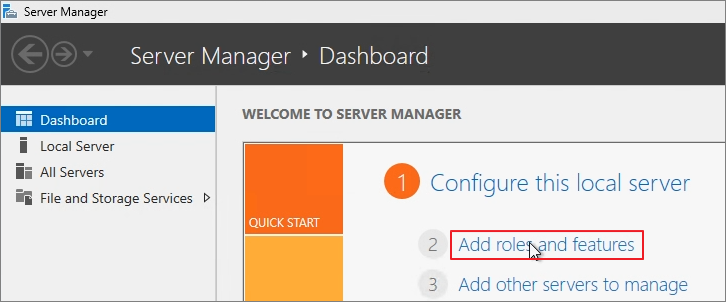
Add Roles and features
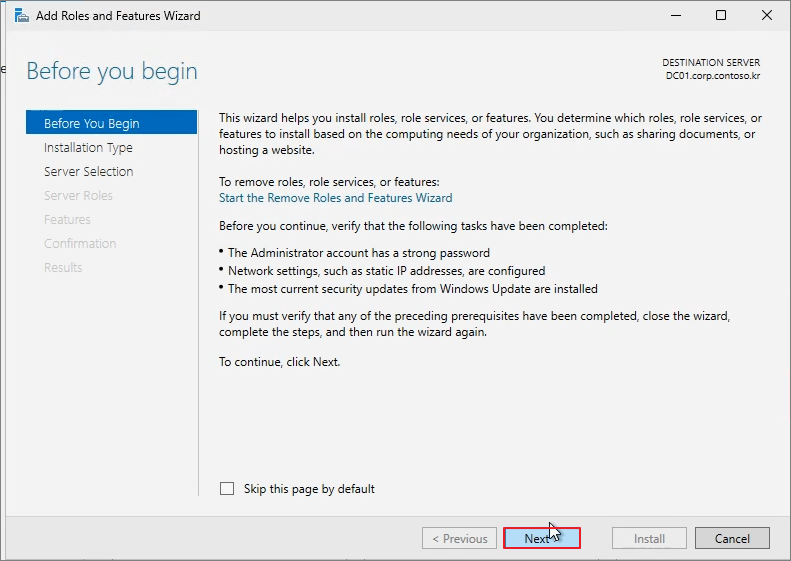
Next
Next
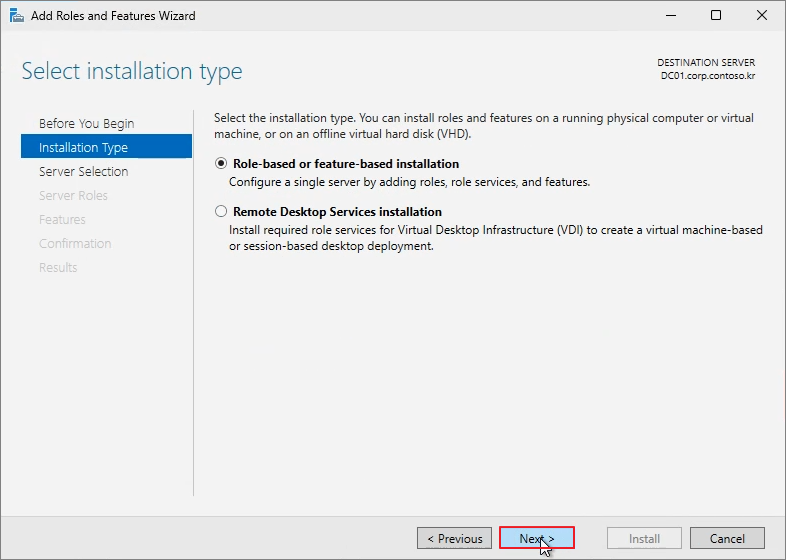
Next

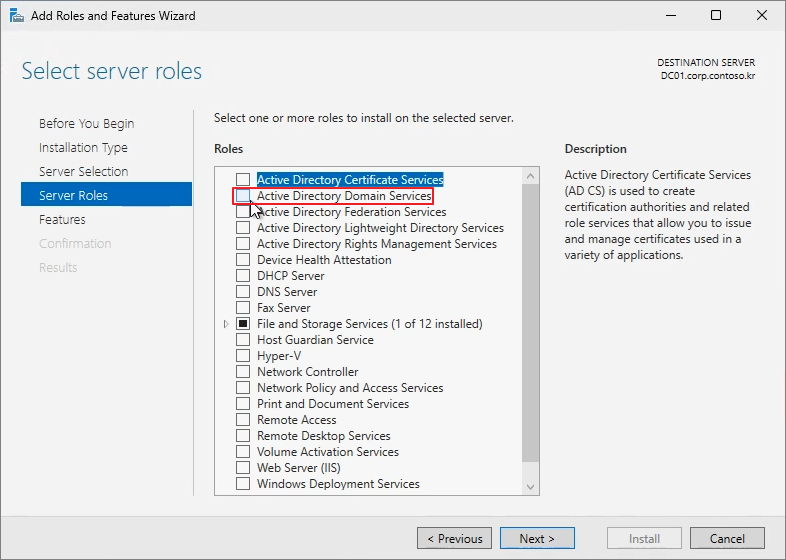
Active Directory Domain Services -> Next
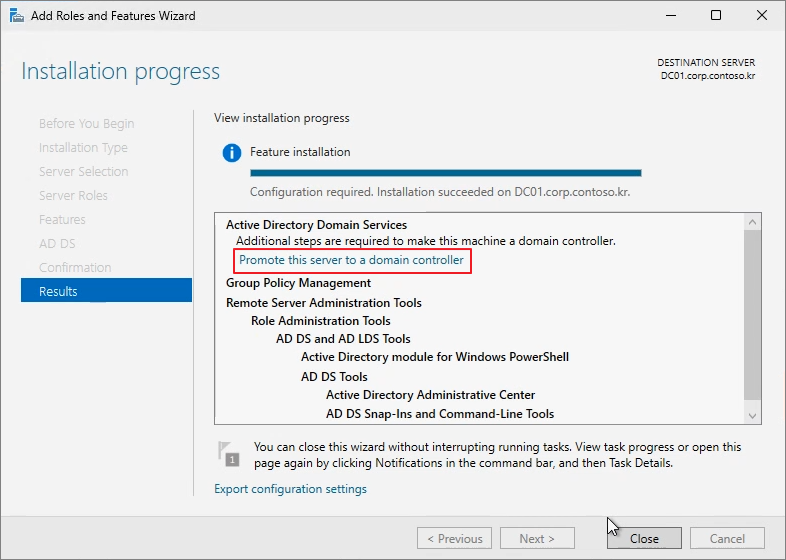
Promote this server to a domain controller
Next

Password 입력 -> Next
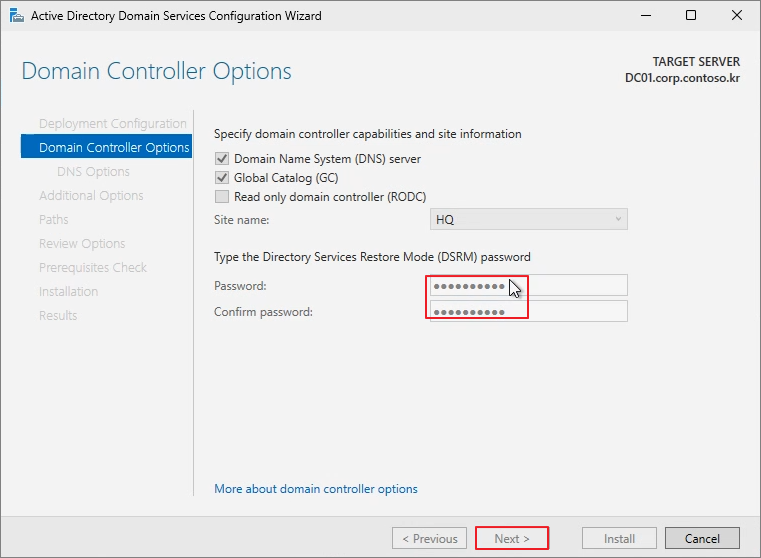
Next
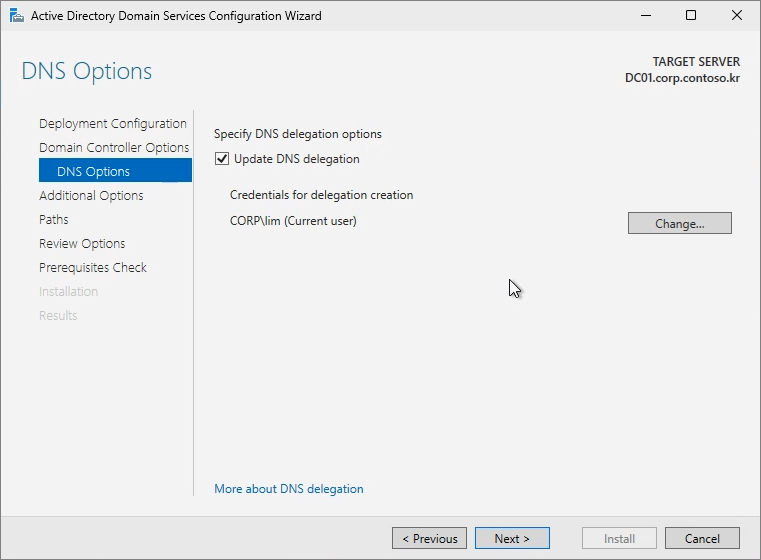
Next
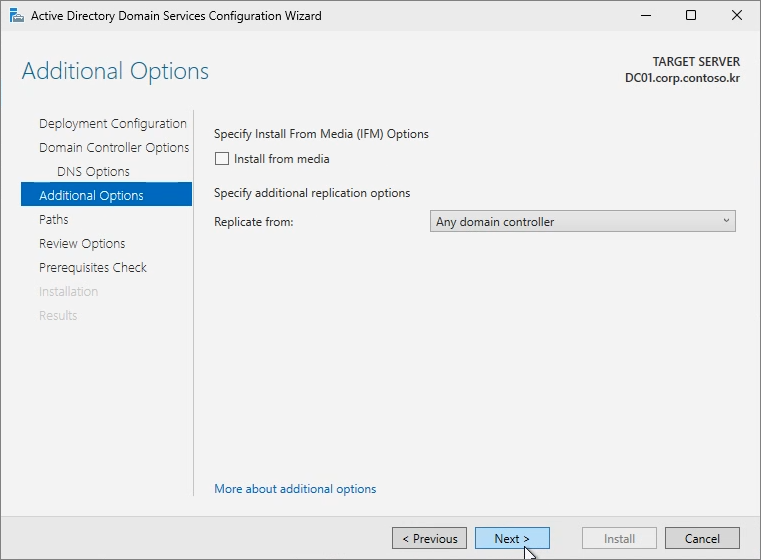
Next
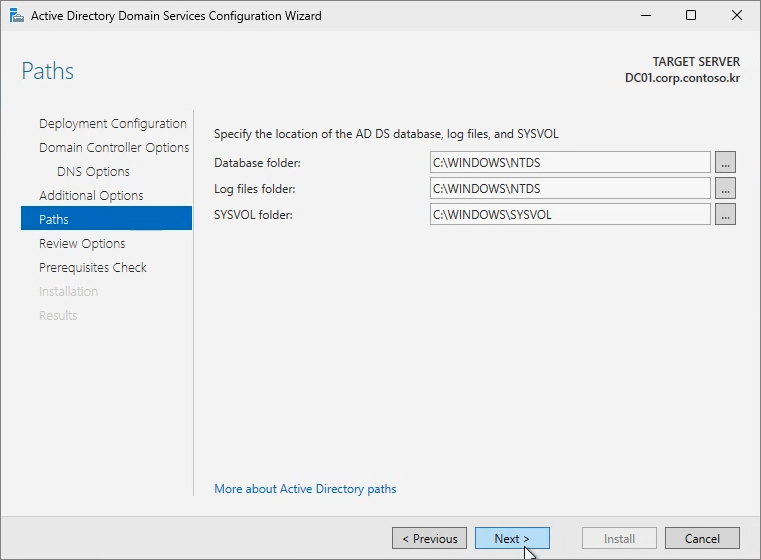
Next
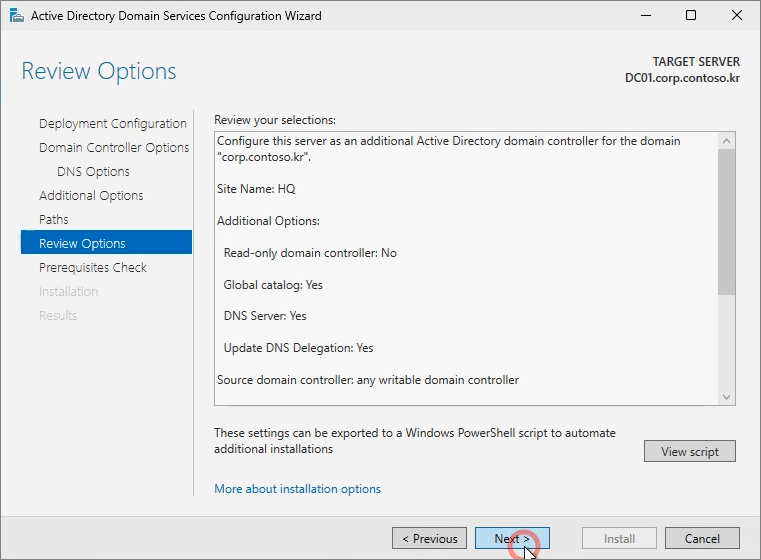
Install

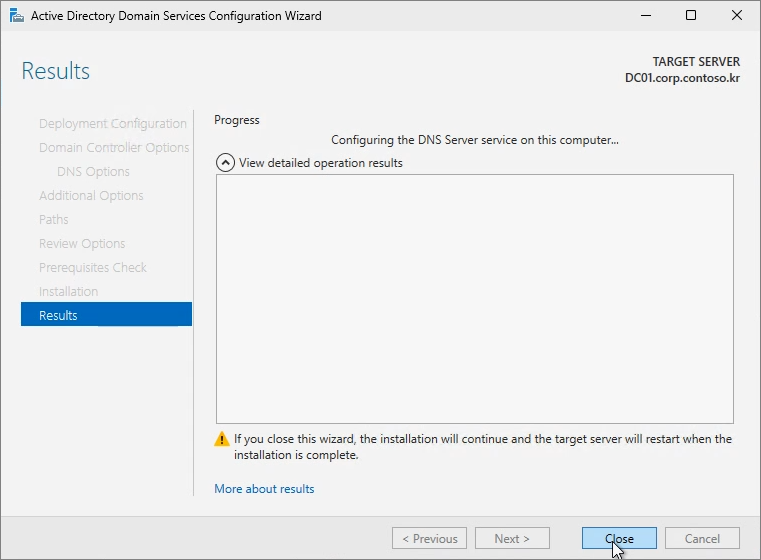
Close -> 재부팅이 진행됩니다.
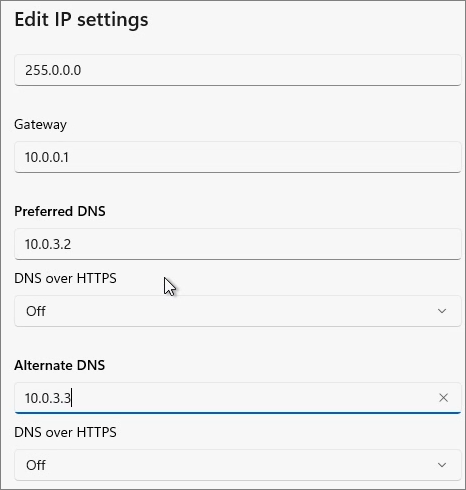
DC01을 Main DNS, DC02를 Alternate DNS로 지정
아래의 명령어를 진행하여 Master를 DC01로 변경
Move-ADDirectoryServerOperationMasterRole -Identity DC01 -OperationMasterRole SchemaMaster, DomainNamingMaster, PDCEmulator, RIDMaster, InfrastructureMaster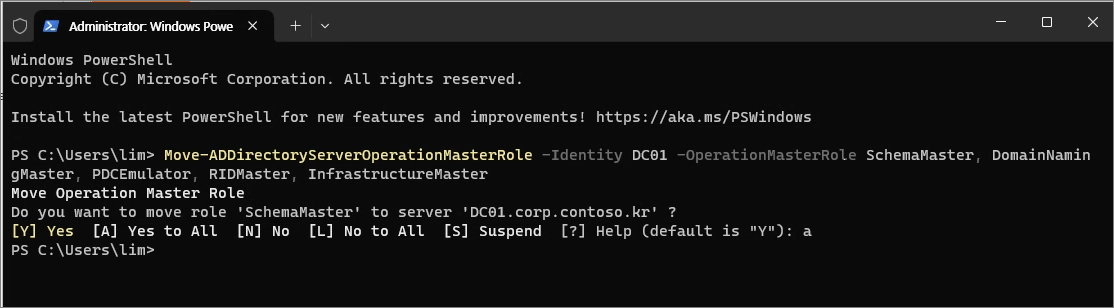
확인
Netdom query fsmo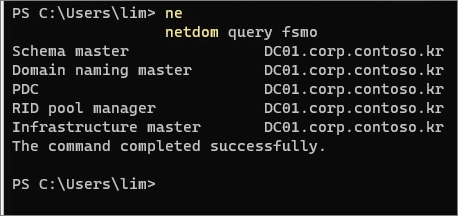
Step 5. Raise Forest Functional Level
Active Directory Domains and Trusts
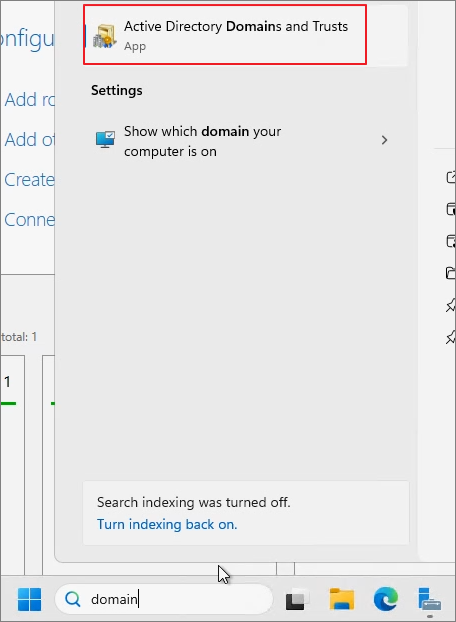
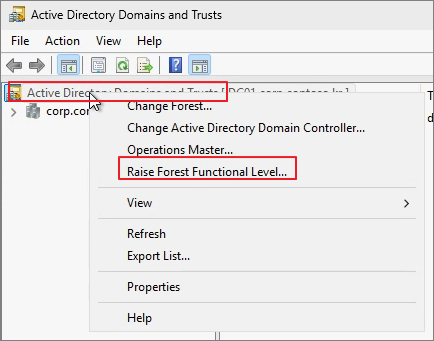
Active Directory Domains and Trusts 우클릭 -> Raise Forest Functional Level
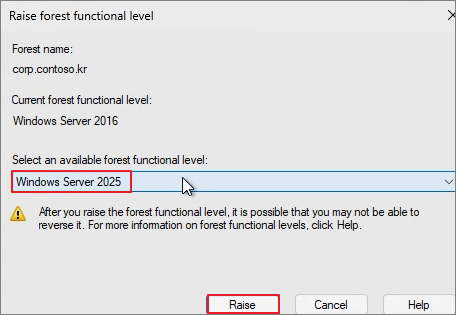
Raise
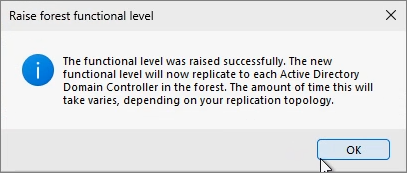
OK
아래의 명령어로 확인
Get-ADDomain |fl name, DomainMode
Get-ADForest |fl Name, ForestMode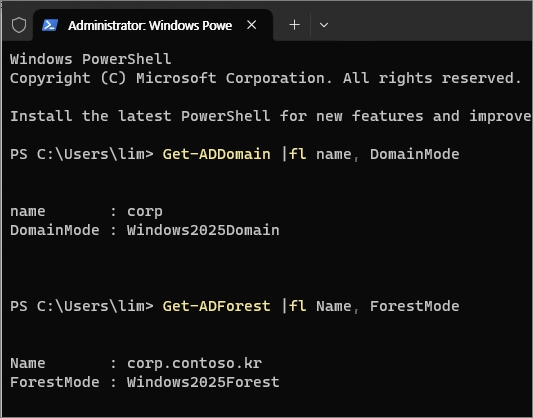
'Windows Server' 카테고리의 다른 글
| Remote Desktop. Host 서버 인증서 바인딩 (0) | 2025.05.02 |
|---|---|
| Windows Server 2025. Active Directory (AD) Domain Controller(DC) 구성 (2) | 2024.12.15 |
| Windows Server 2025. Install & Sysprep (3) | 2024.11.09 |
| Windows Server. Remote Desktop Service 인증서 교체 (0) | 2024.06.15 |
| ADFS 2022. XML Data 형식인 로그인 로그를 CSV로 내보내기 (0) | 2023.05.10 |